Whatsapp Clone is made with Next js and Redux Toolkit, and typescript.
This is one of my favourites project , a chat app with "Socket.io,WebRTC"
with power of next SSR and redux toolkit.
MIT project feel free to downlaod and contribute.
LIVE URL • Getting started • Installation • Configuration • Environment

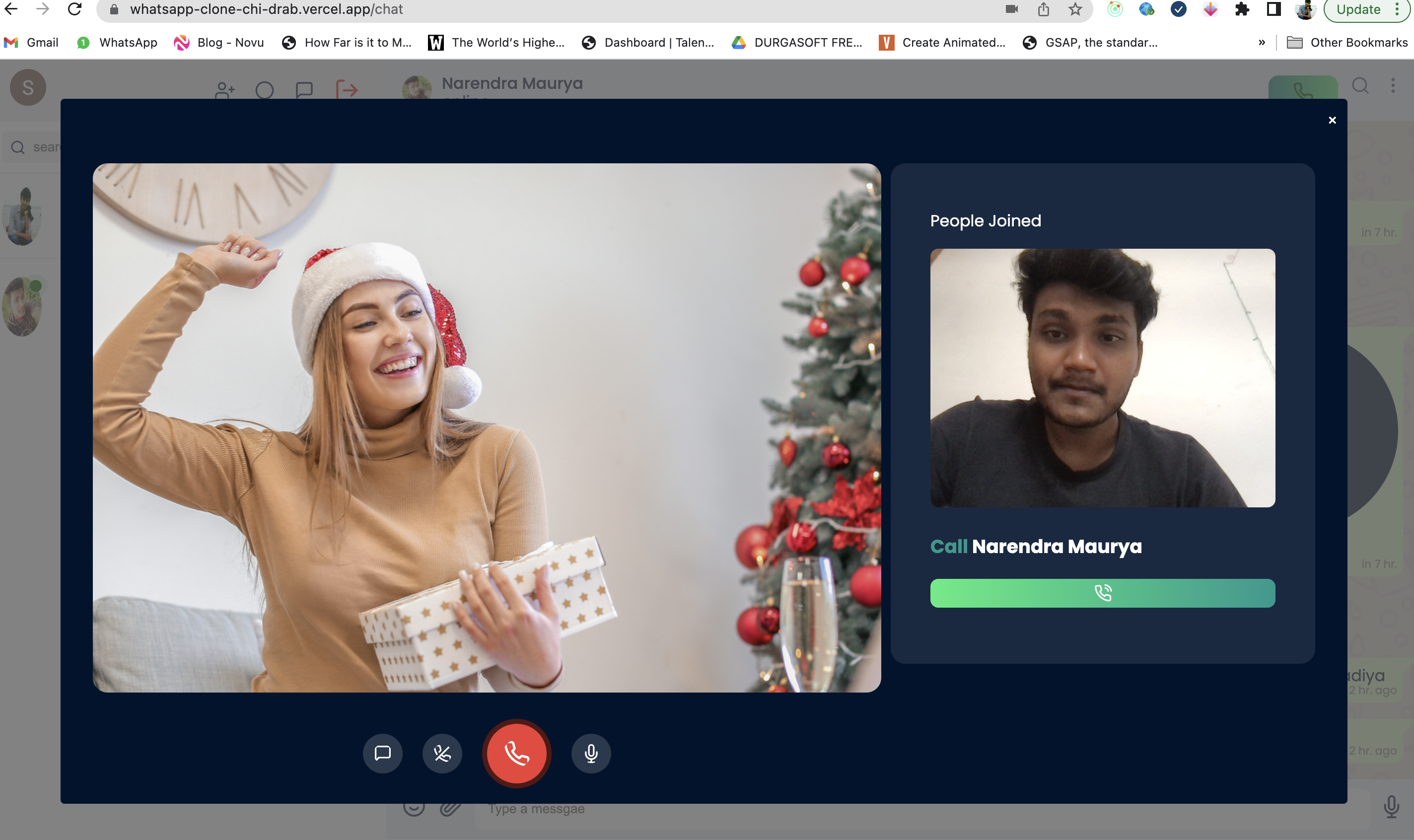
First Whatsapp clone with Video call (One-2-one) and chat with WEBRTC and socket.io , no firebase uses.
Read more about the matching algorithm [here][algorithm-matching].
Step 1: github
$ git clone https://github.com/narendram224/whatsapp-clone_nextjs$ cd whatsapp-clone_nextjsNEXT_PUBLIC_BASE_URL ="http://localhost:3001/api||your backend base URL"
GOOGLE_CLIENT_ID = your google client ID
GOOGLE_CLIENT_SECRET = "Your google client secret"
NEXT_AUTH_URL = https://localhost:3000||"your frontend local server"
NEXT_PUBLIC_API_VERSION = v1
JWT_SECRET =your JWT secret keyNote Make sure you should install all the packages and env setup according to data. I am using pnpm in this project but you can choose and build command yarn/ npm
Just simply run this command to start server
$ pnpm dev || yarn dev || npm dev$ pnpm staging$ pnpm buildLibrary’s
To install zoxide, run this command in your terminal:
curl -sS https://raw.githubusercontent.com/ajeetdsouza/zoxide/main/install.sh | bashOr, you can use a package manager:
| Packages | version | Why we use |
|---|---|---|
| Next js | 12 | Core next js |
| React | 17.0.2 | Core react |
| React Dom | 17.0.2 | Core react library |
| @reduxjs/toolkit | 1.6.1 | toolkit for state management |
| axios | ^0.21.4 | api fetching library |
| env-cmd | ^10.1.0 | run .env file in local |
| next-auth | [^4.16.4 | Auth for goggle and other |
| next-redux-wrapper | ^8.0.0 | wraper for next js and redux |
| next-useragent | ^2.8.0 | SSR checker device info |
| node-sass | ^8.0.0 | helper library for simple-peer |
| react-feather | ^2.0.9 | icon library for react |
| react-hot-toast | ^2.4.0 | toaster library |
| react-redux | ^8.0.5 | middleware library between react and redux |
| redux | 4.1.1 | core library for redux |
| sass | ^1.42.1 | Compiler to sccs |
| simple-peer | ^9.11.1 | Library to connect WEB RTC in client |
| socket.io-client | ^4.5.4 | Library to connect socket in client |
| Void Linux | [Void Linux Packages] | xbps-install -S zoxide |
- Insert into .env.staging file:
Hook Description NEXT_PUBLIC_BASE_URL"http://localhost:3001/api GOOGLE_CLIENT_IDyour google client ID GOOGLE_CLIENT_SECRET"Your google client secret" NEXT_AUTH_URL["Your google client secret"](https://localhost:3000 NEXT_PUBLIC_API_VERSIONv1 JWT_SECRETyour JWT secret key
Simply Create ".env.staging file inside you project root"
-
Add these following code inside you created file- make sure you will change accoring to you setup:
Hook Description NEXT_PUBLIC_BASE_URL"http://localhost:3001/api GOOGLE_CLIENT_IDyour google client ID GOOGLE_CLIENT_SECRET"Your google client secret" NEXT_AUTH_URL["Your google client secret"](https://localhost:3000 NEXT_PUBLIC_API_VERSIONv1 JWT_SECRETyour JWT secret key
- make sure you will change accoring to you setup:
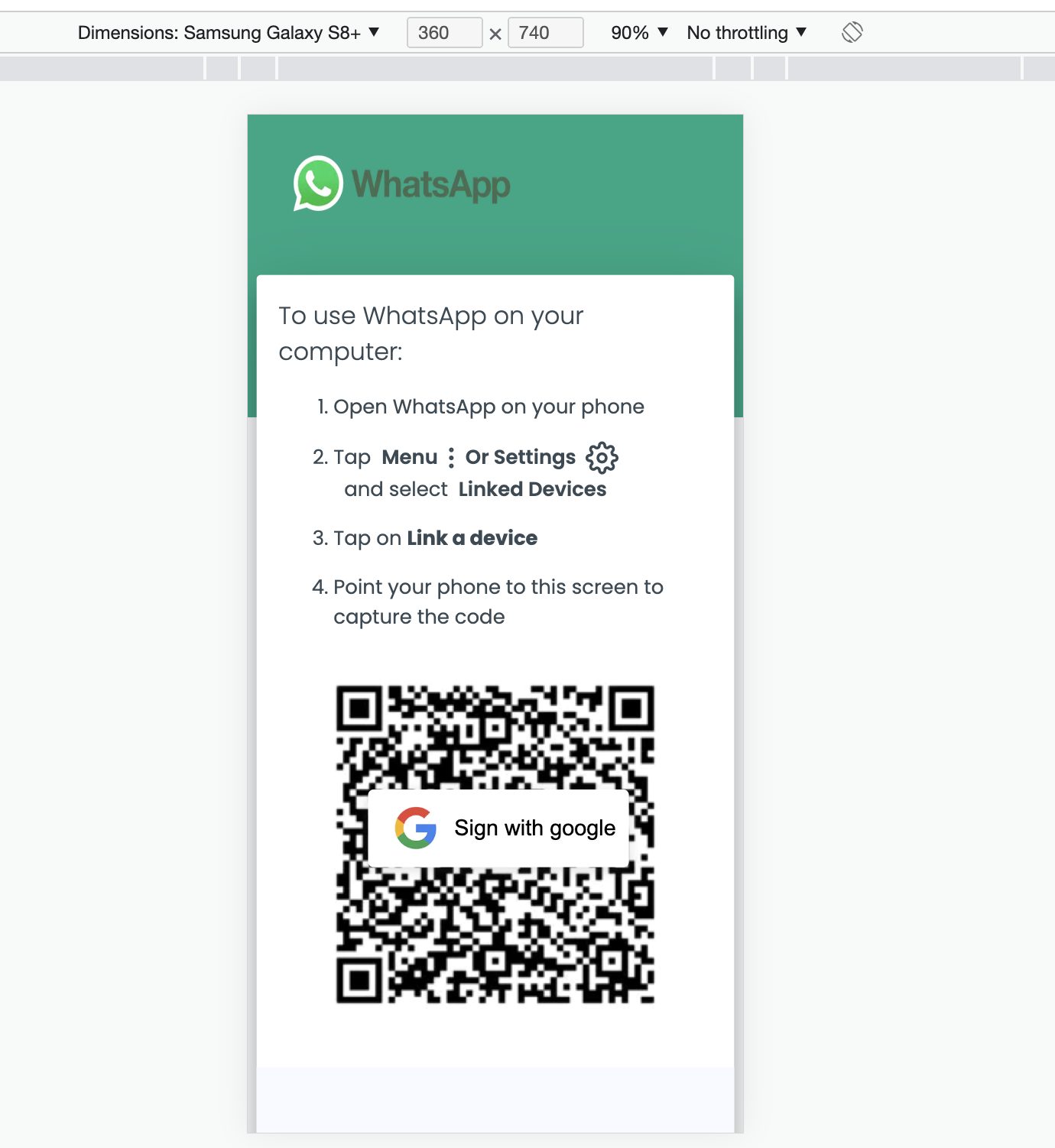
#ScreenShot
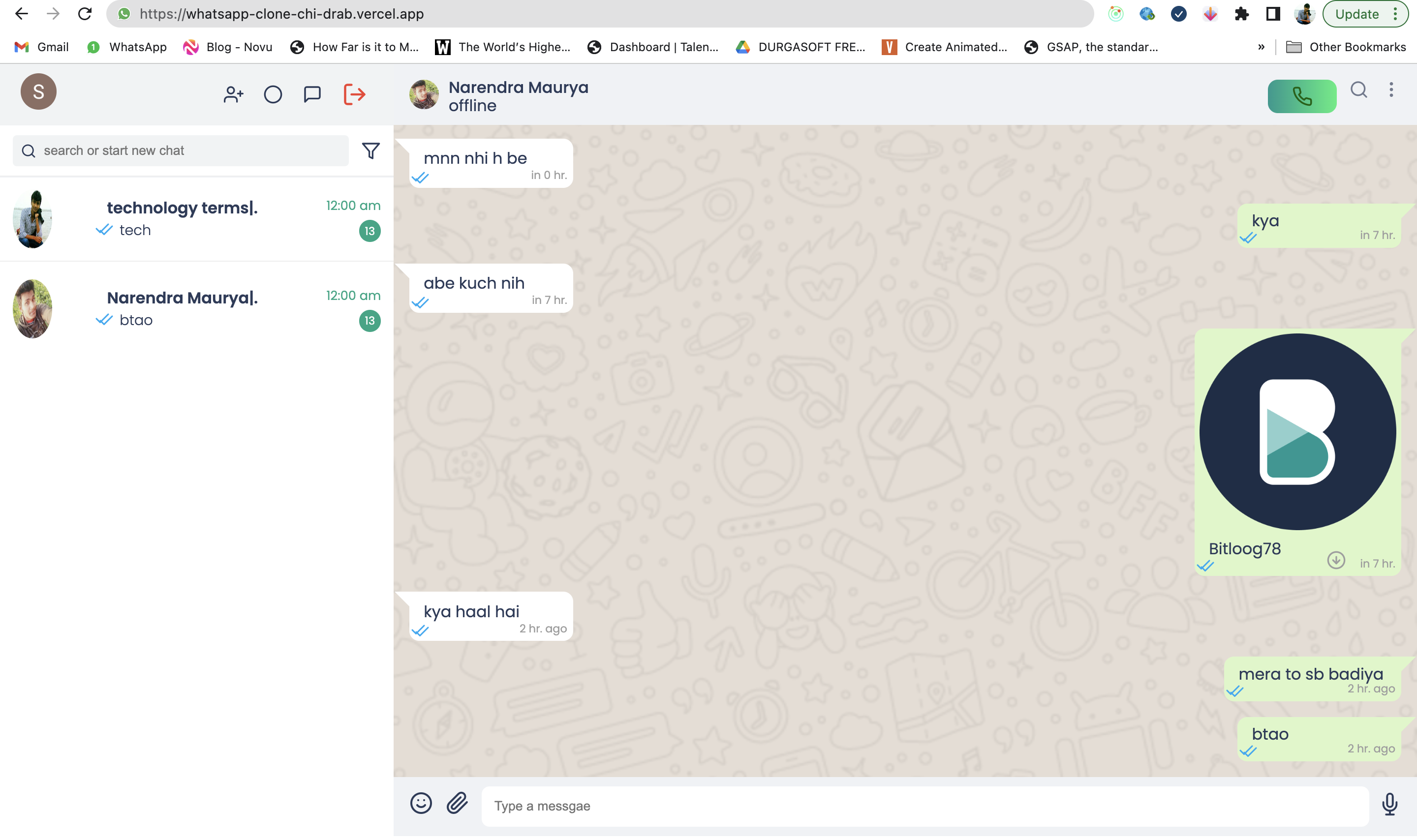
After sucessfully login you will get the your profile picture along with two button one for chat and one for logout.

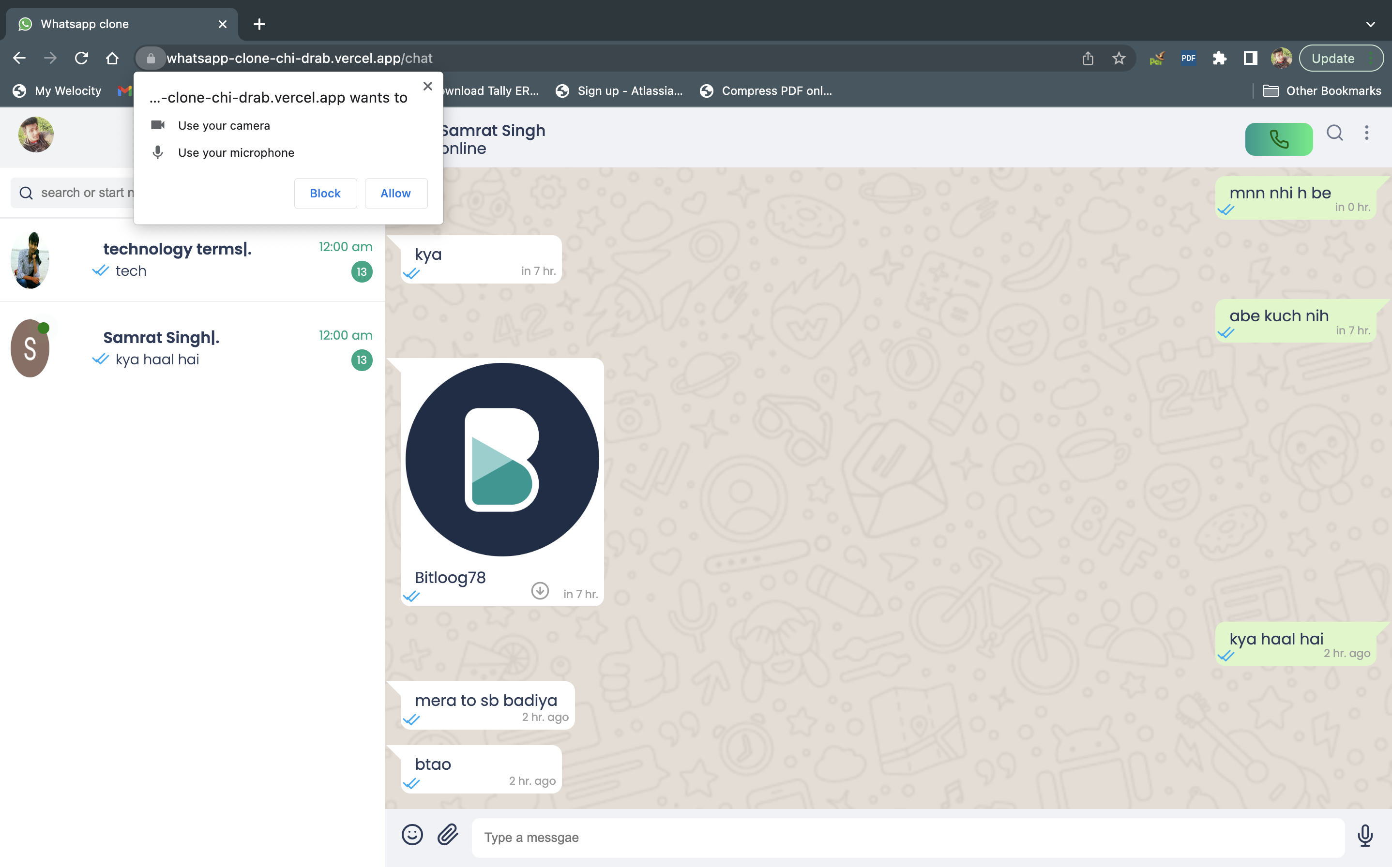
To Video call User must be online otherwise you will not see the video call button. Which is green in right side of chat heaer.

Pull requests are welcome. For major changes, please open an issue first to discuss what you would like to change.
Please make sure to update tests as appropriate.